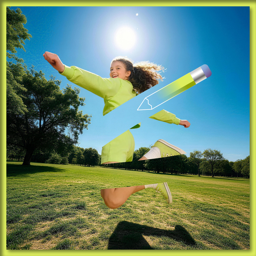
Blur faces. Remove distractions. Share videos with confidence.

Clean up unwanted objects, blur private details, replace backgrounds, and enhance everyday photos and videos with fast AI editing tools.

Download on the
App Store
Photo & Video editing for iPhone
Video preview with one face blurred
Done
Video Blur
Video Blur
Object Removal
Precise Blur
Object removal preview
Object Removal Clean videos in one tap.

All the tools for cleaner edits

Video Blur

Blur faces, plates, text, or any area in your video.

Video blur feature

Object Removal

Remove unwanted people, objects, logos, and clutter.
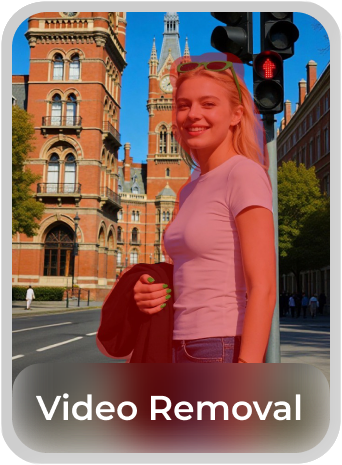
Object removal feature

Precise Blur

Target exactly what you want to hide or soften.
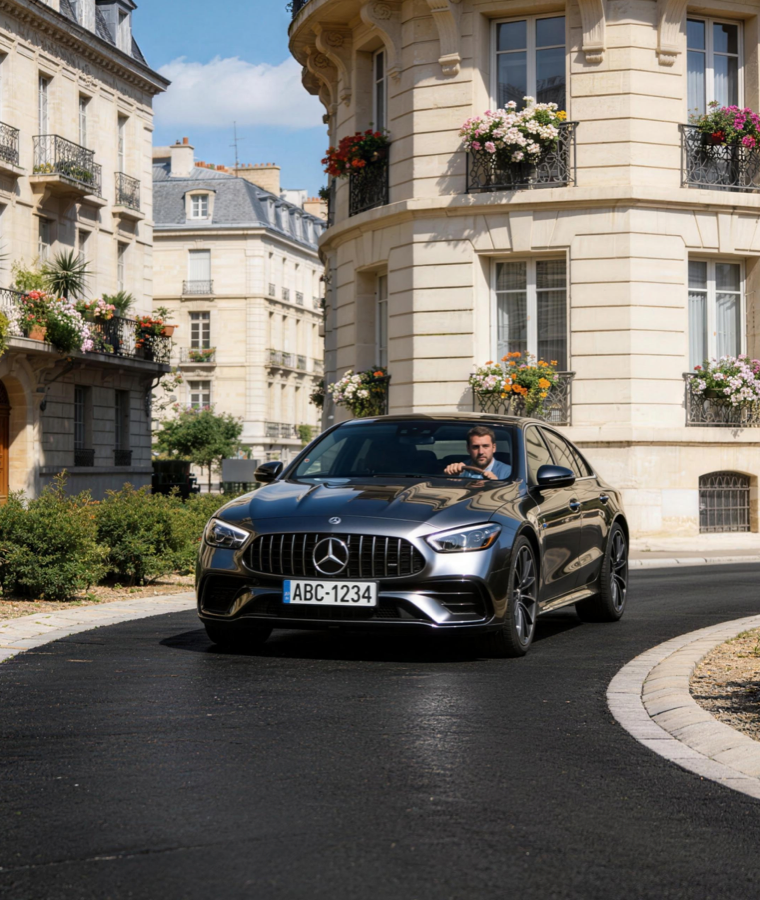
Precise blur feature

Background Replacement

Cut out people or replace backgrounds with smart matting.
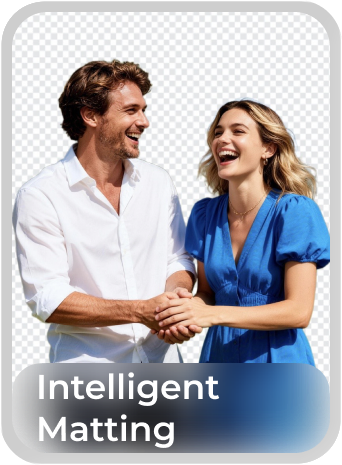
Background replacement feature

AI Hairstyle

Preview hairstyles and colors in seconds.
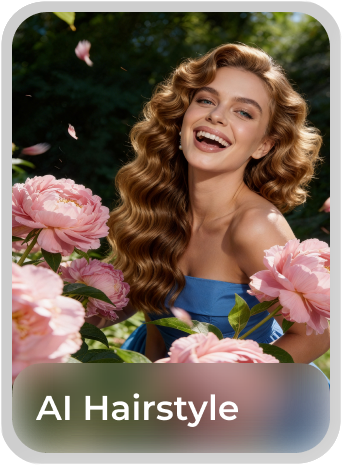
AI hairstyle feature

Smart HDR

Improve brightness, contrast, color, and detail automatically.
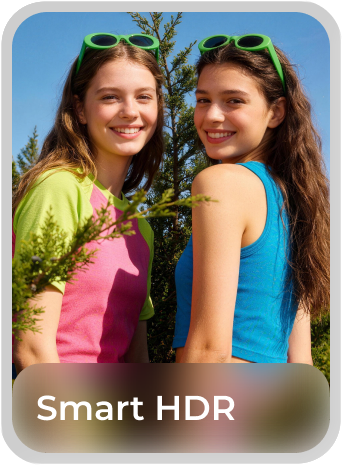
Smart HDR feature

Simple workflow

1Import

Add media from your library or capture a new clip.
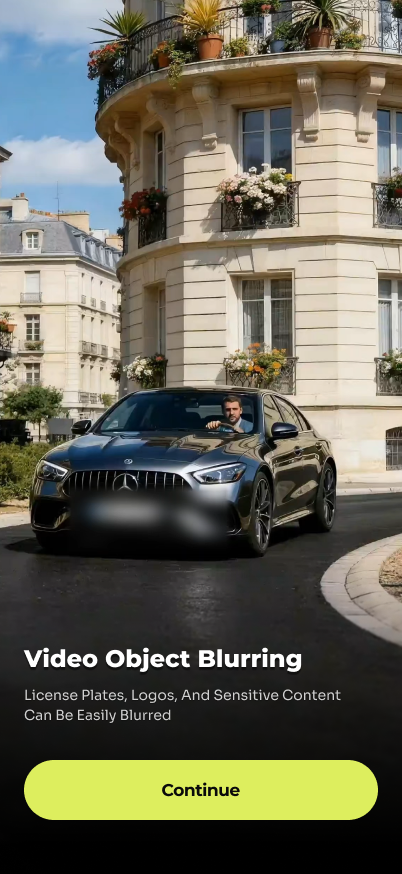
Import media screen
2Select

Choose what to blur, remove, replace, or enhance.
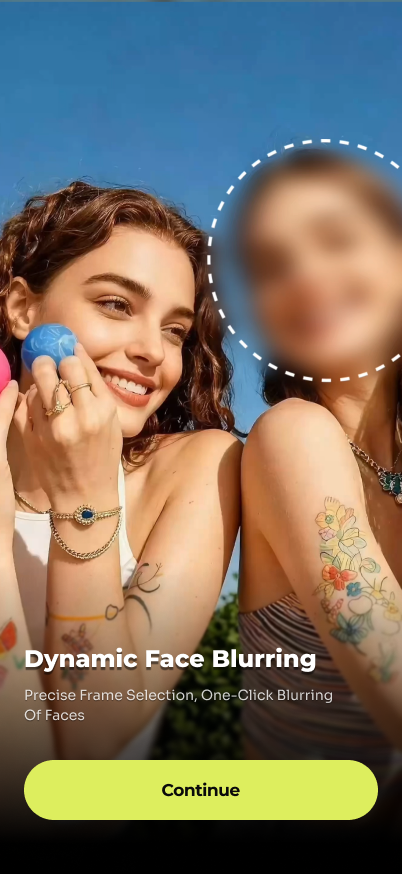
Select blur area screen
3Export

Save your edited result and share it with confidence.
Export edited video screen

Your privacy comes first.

Magic Eraser uses selected media only for the editing action you request. The policy states that facial data is not retained and your personal media is not sold, rented, or shared.

No facial data retention Blur and mosaic effects are not used to identify people.
Local-first processing Editing is performed on device whenever possible.
No media sale or sharing Your personal photos and videos are not sold or rented.
Magic Eraser creative edit preview

Edit with confidence. Share what matters.

Download on the
App Store